Be the podcast AI cites.
Grow from every episode you’ve ever published: be found in AI answers and Google search, let fans search every word to the exact second, and turn visitors into an email audience you own. Connect your YouTube channel or podcast feed to PodHood once — every new upload indexes itself.
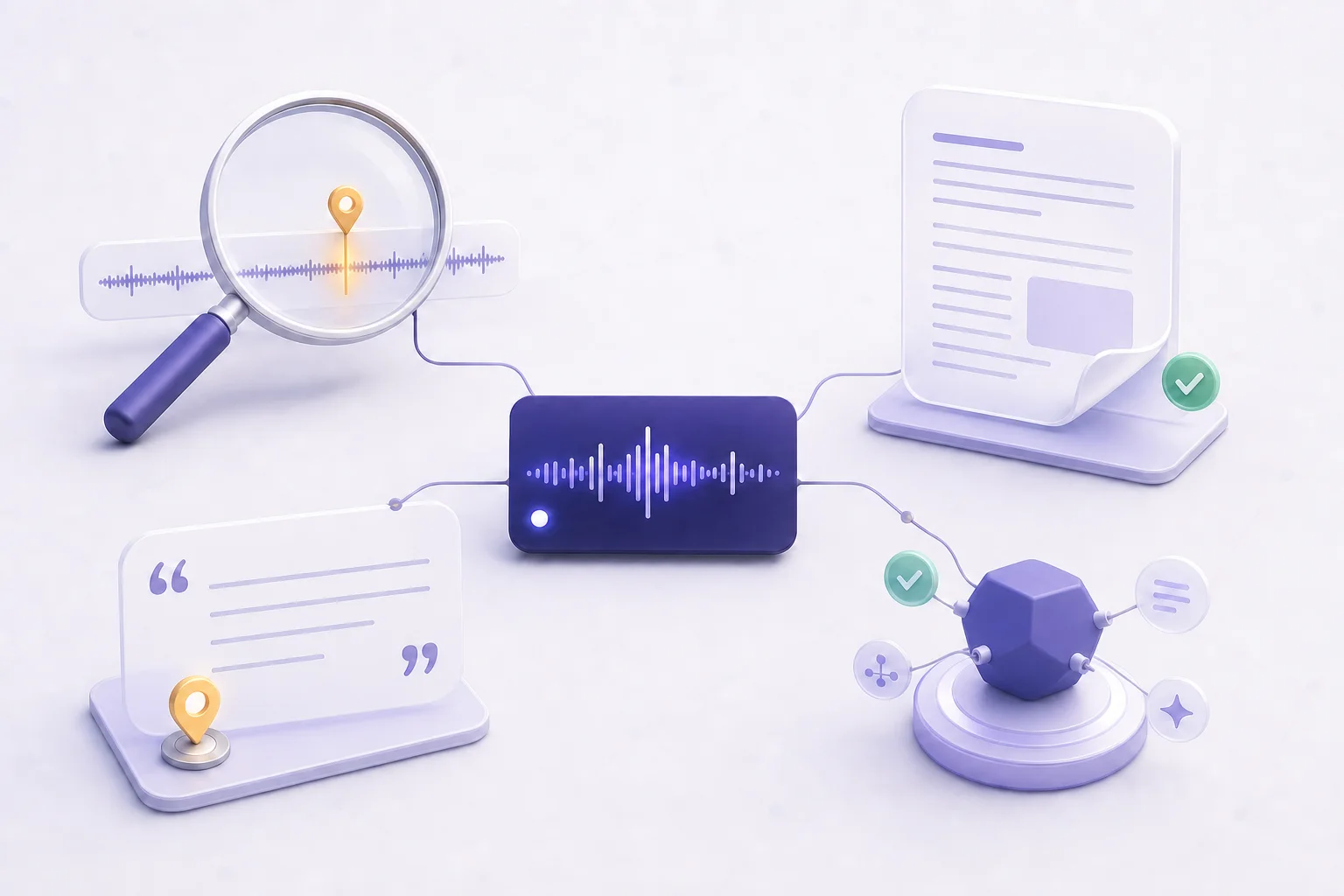
Audio is invisible — to search engines, to AI agents, and to the models themselves — and a video is no more readable than an MP3. A great episode that no one can find, search, or cite may as well not exist. PodHood decomposes each episode — from YouTube or RSS — into a structured knowledge graph, then publishes it where people and machines actually look, so the archive you already made starts earning listeners again.
Four ways your podcast gets found.
One connection — a YouTube channel or a podcast feed — turns an invisible archive into something people, search engines, and AI agents can all reach.
Searchable
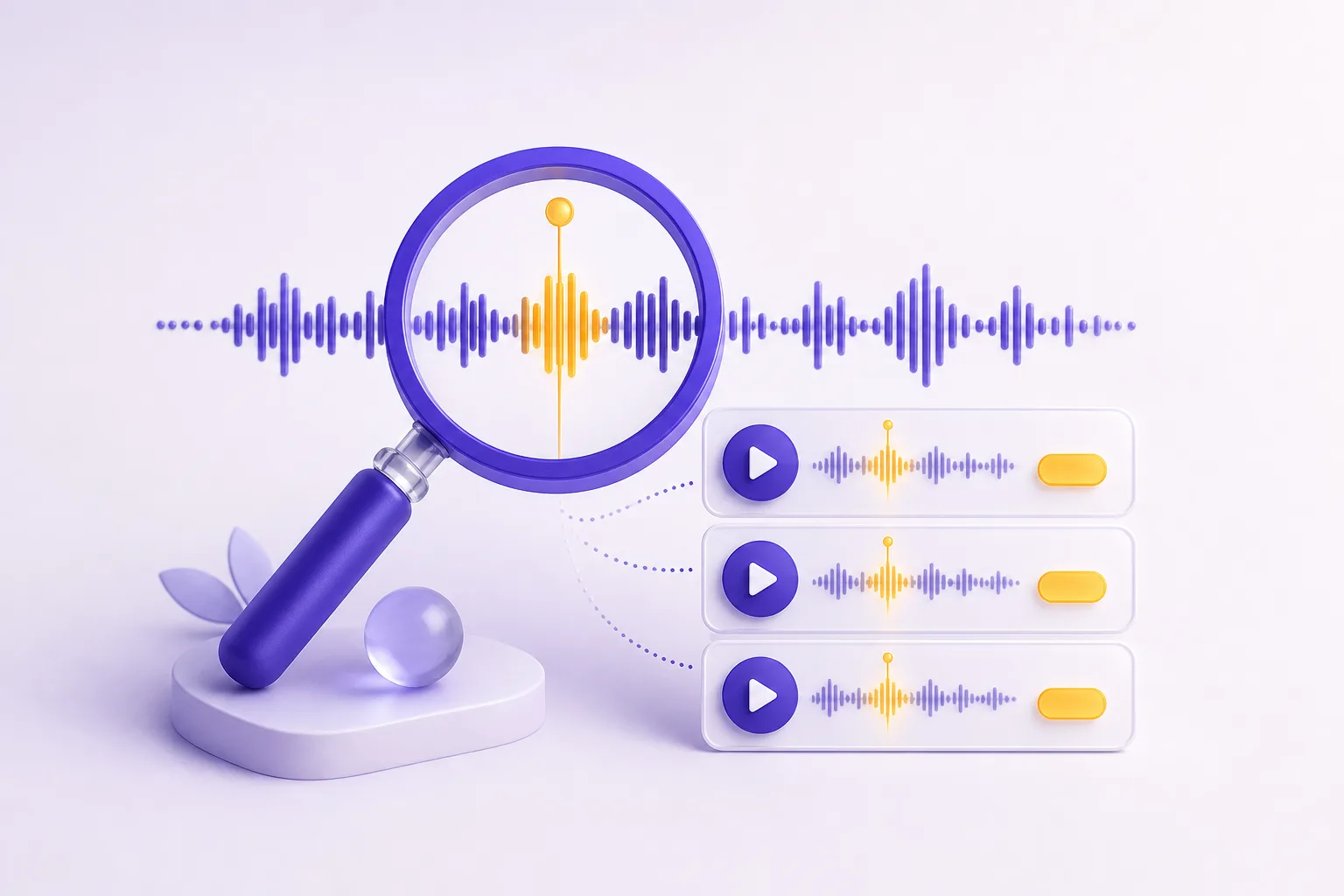
Your listeners find any moment. Across the whole catalog, by what was actually said — and they jump straight to it.
Queryable
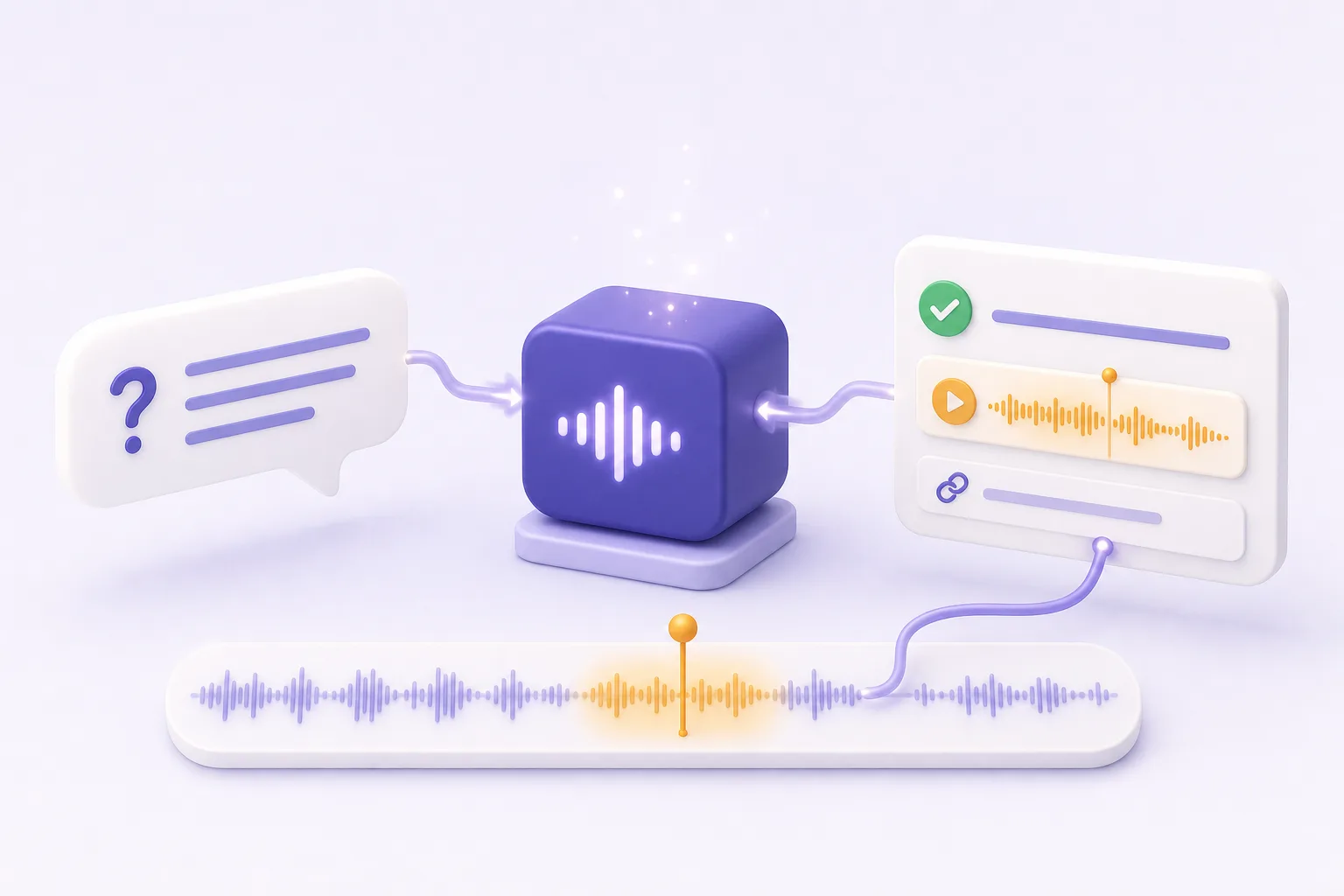
Your archive is a live tool. It connects to Claude and ChatGPT over MCP — agents query it and answer with timestamped citations.
Crawlable
Audio can’t be crawled; this can. Every episode becomes a real, server-rendered page — the text search engines and AI can actually read.
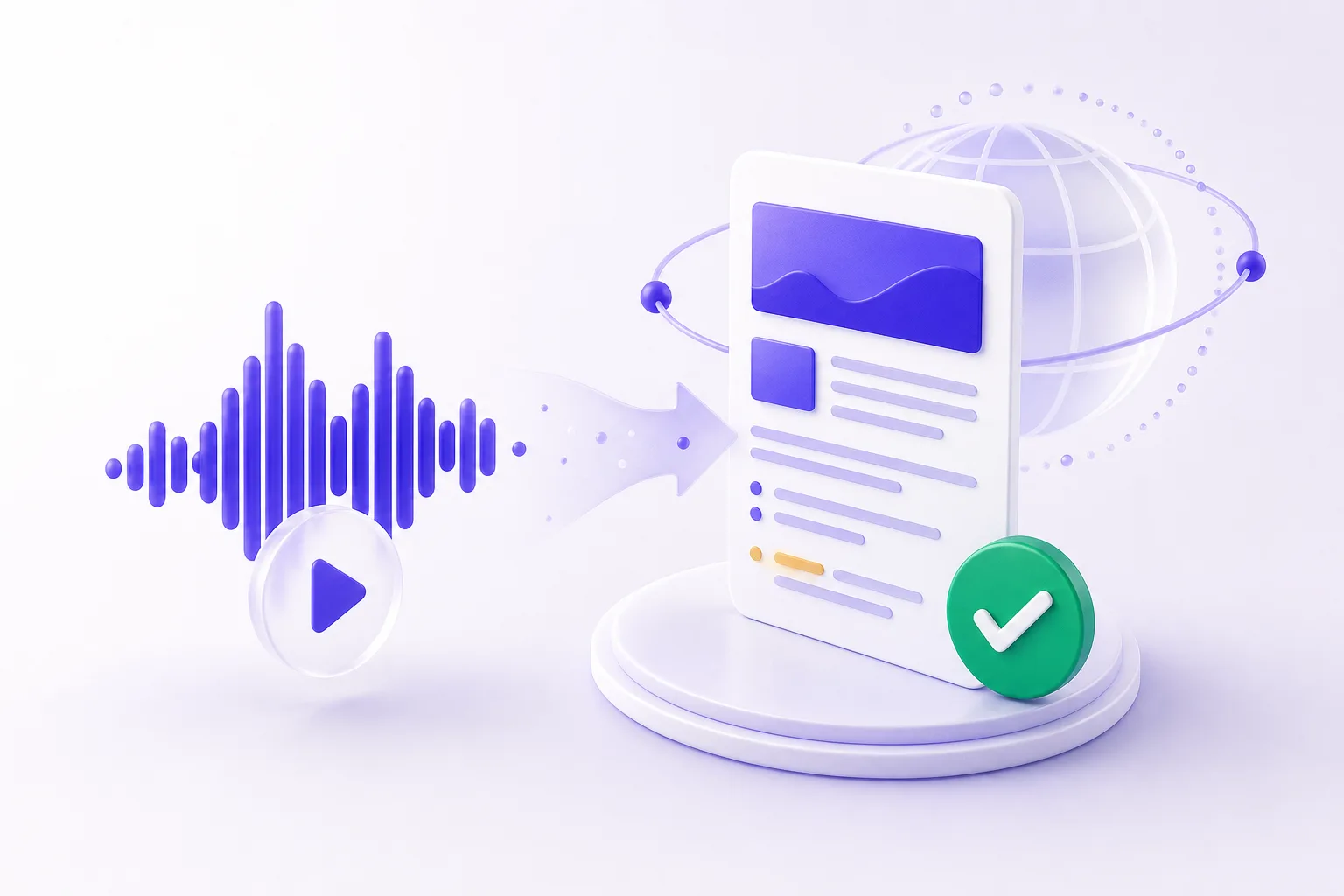
Citable
The structure answer engines quote. A disambiguated graph of the people, topics, and moments in each episode — what ChatGPT, Claude, and Google AI cite as the source.
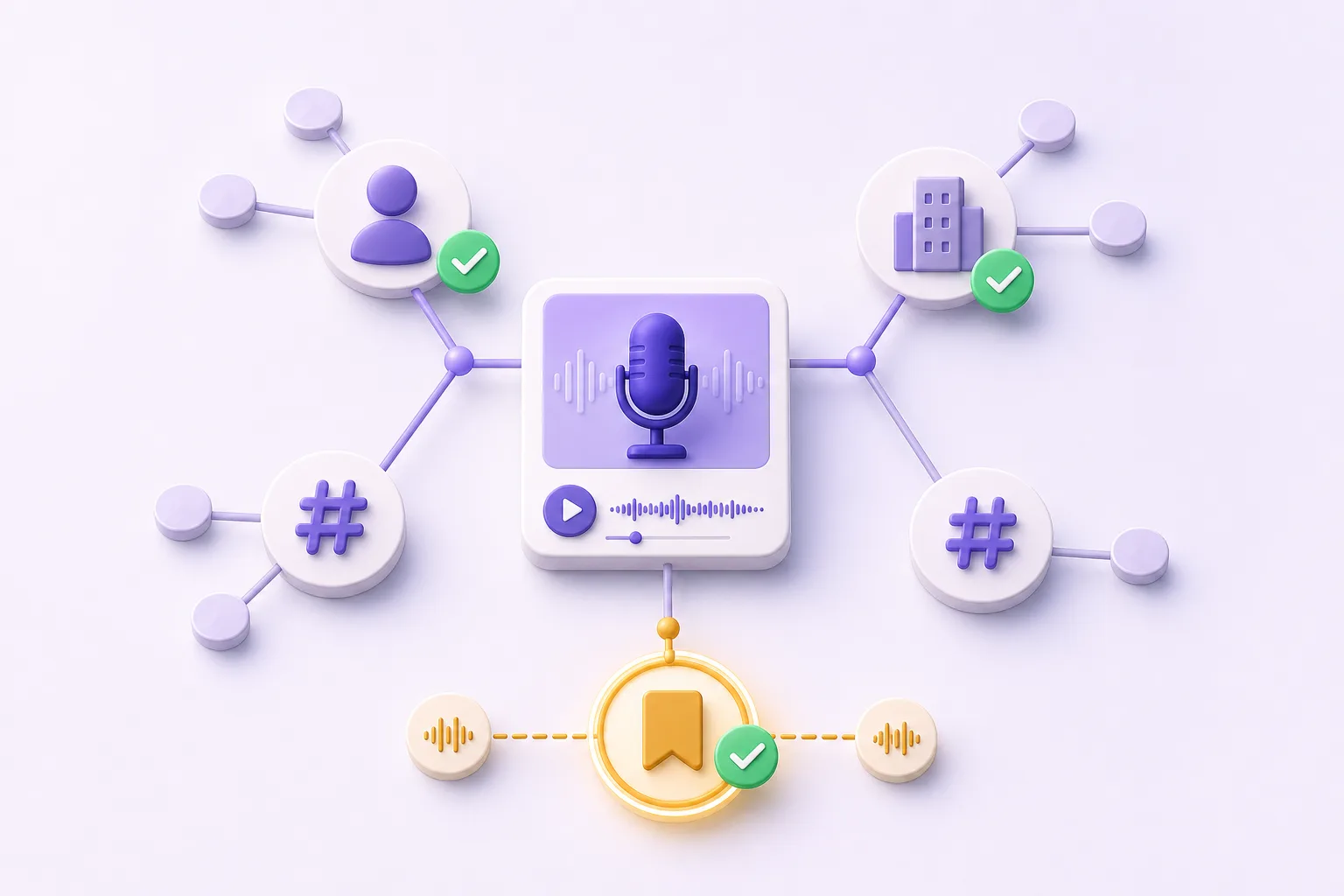
Every episode becomes a Brief.
We decompose each episode into a structured graph — the summary, chapters, key moments, speakers, entities, and topics — down to word-level transcripts. That structure is what makes it searchable, citable, and machine-readable — the reason a new listener can find it at all.
Structured, not just transcribed
A transcript is a wall of text. A Brief is a disambiguated graph — the difference between a recording and something an answer engine can quote.
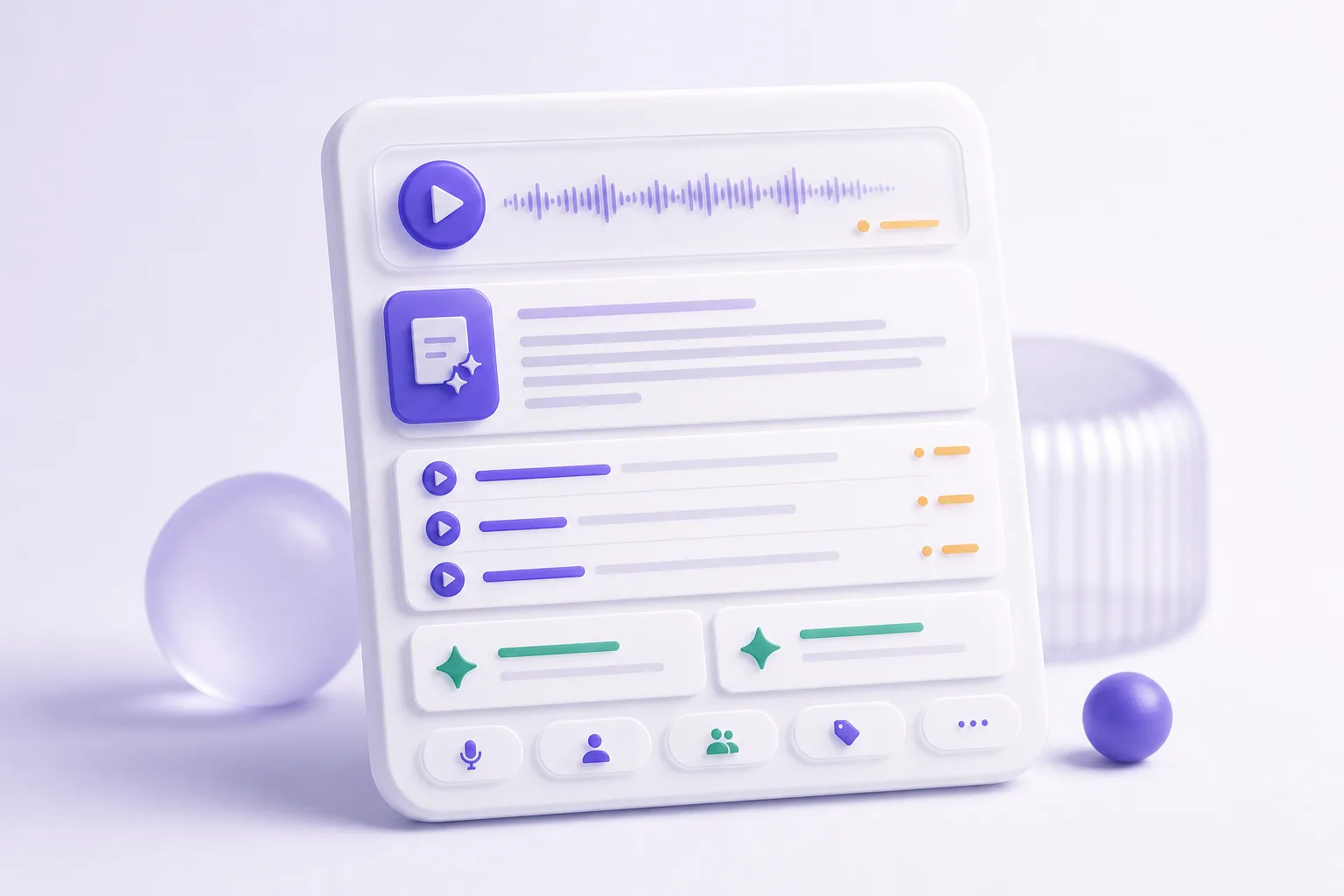
Indexed automatically
Connect once. Every new upload is detected and indexed on its own — your back catalog and your next episode, same pipeline.
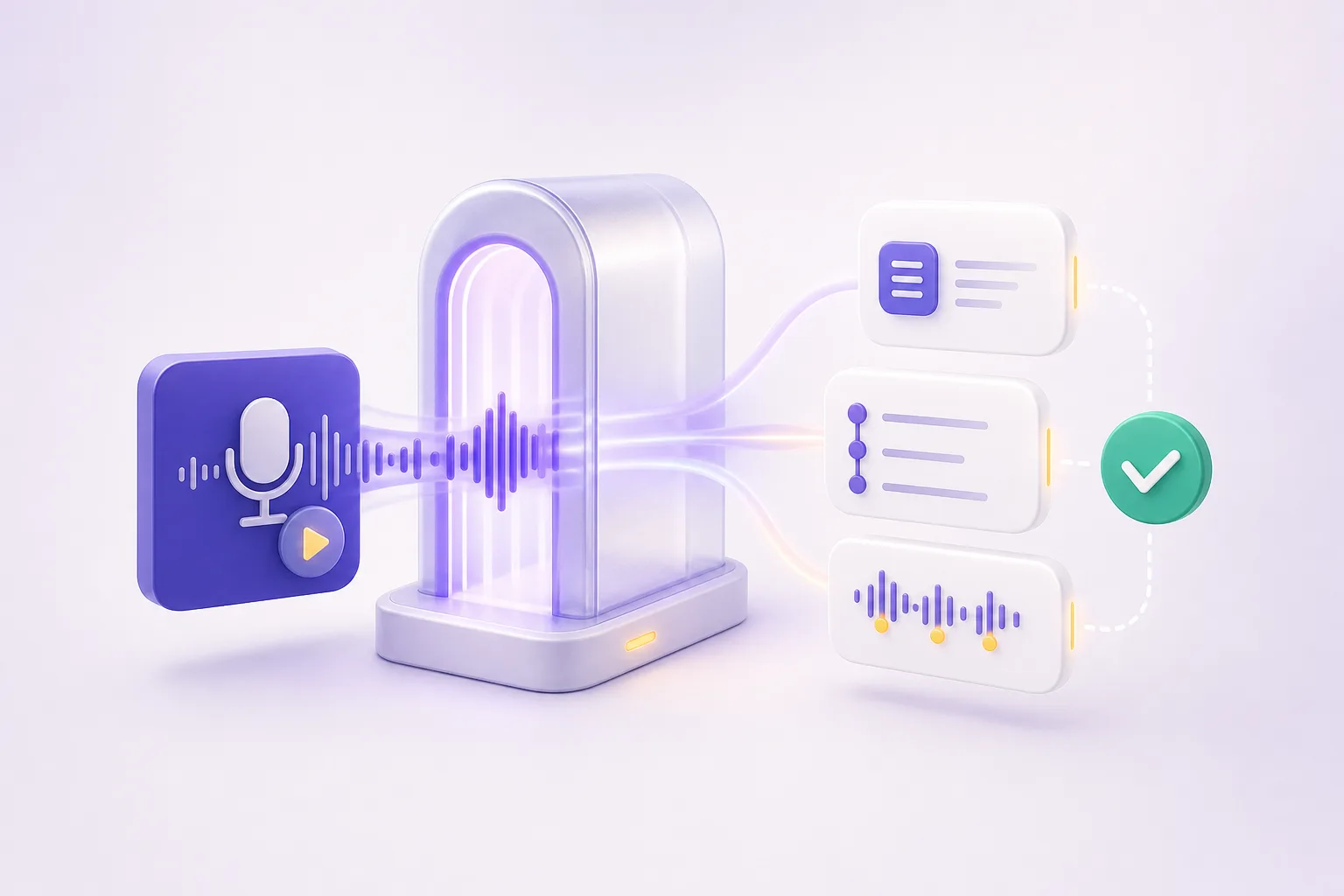
Then close the loop.
Getting found is half the story. PodHood also shows you who arrived, hears what they want next, puts your audio on video feeds — and turns visitors into an audience you own.
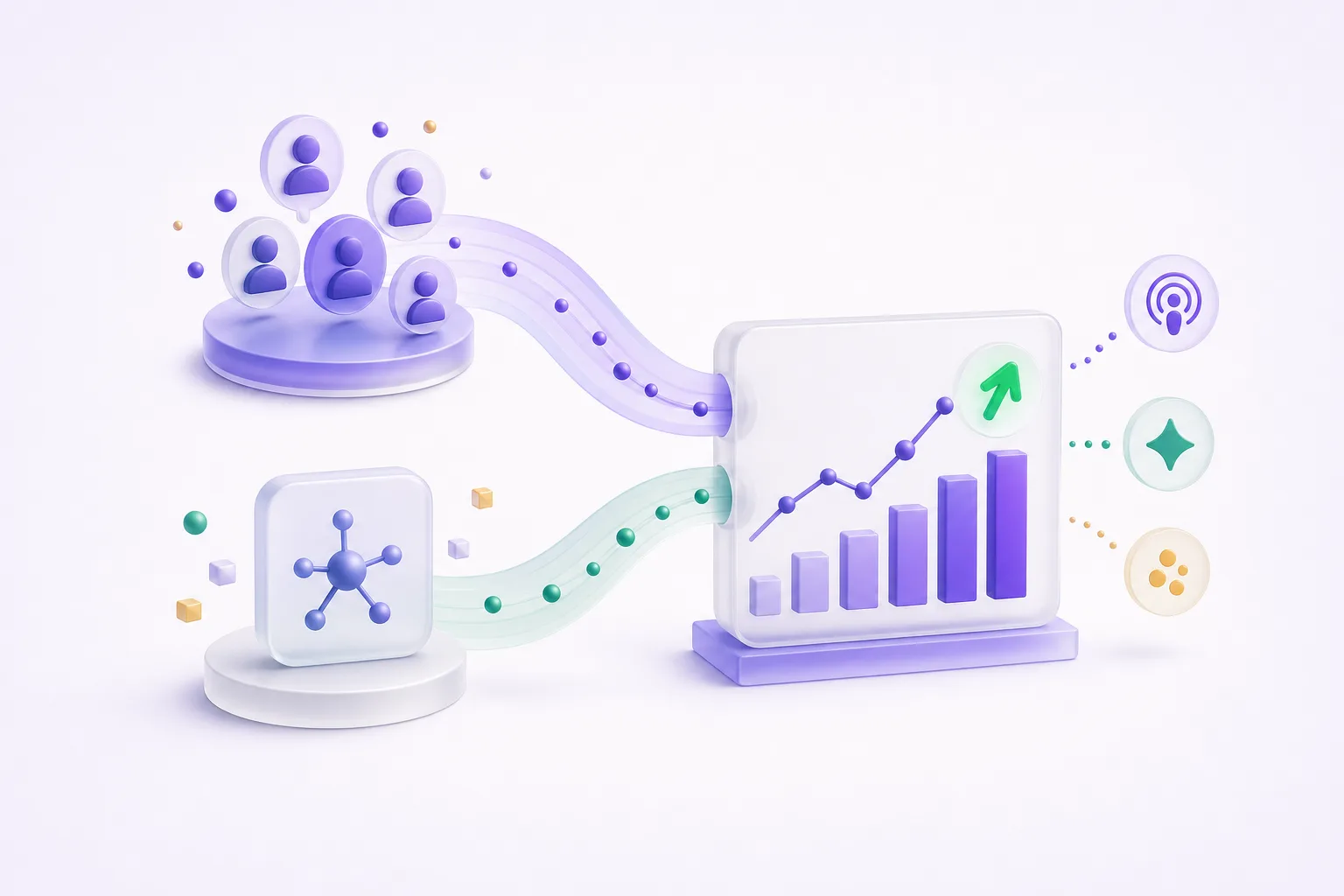
See who finds you
People and AI agents, side by side. Access Analytics shows library visitors, the links and AI answers that sent them, and the questions agents ask your catalog — on every plan.
Podcast analytics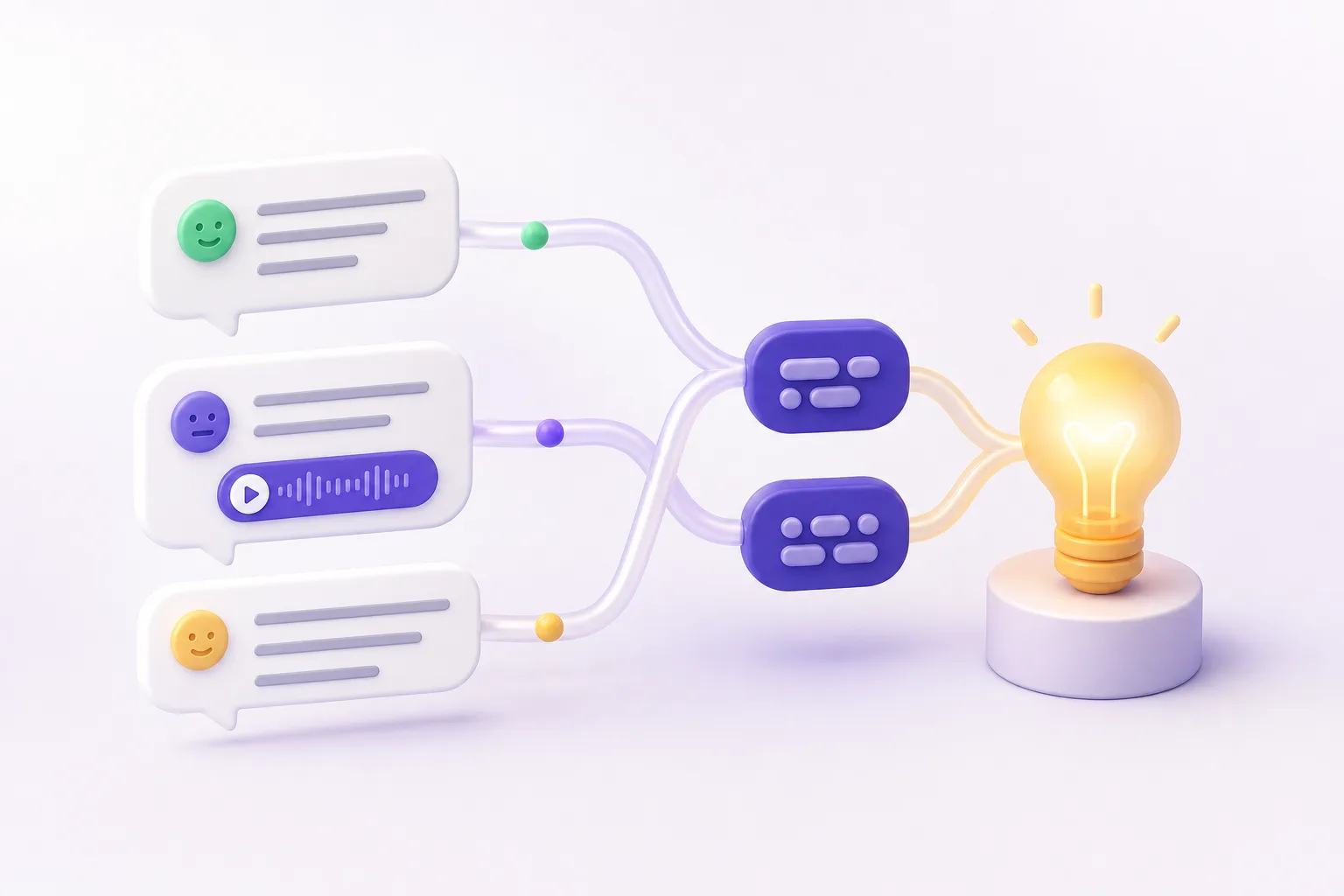
Hear what they want next
Your comments already know your next episode. YouTube comments mirrored read-only, labeled by sentiment and intent in any language, and clustered into recurring asks — every number one click from its evidence.
Podcast comments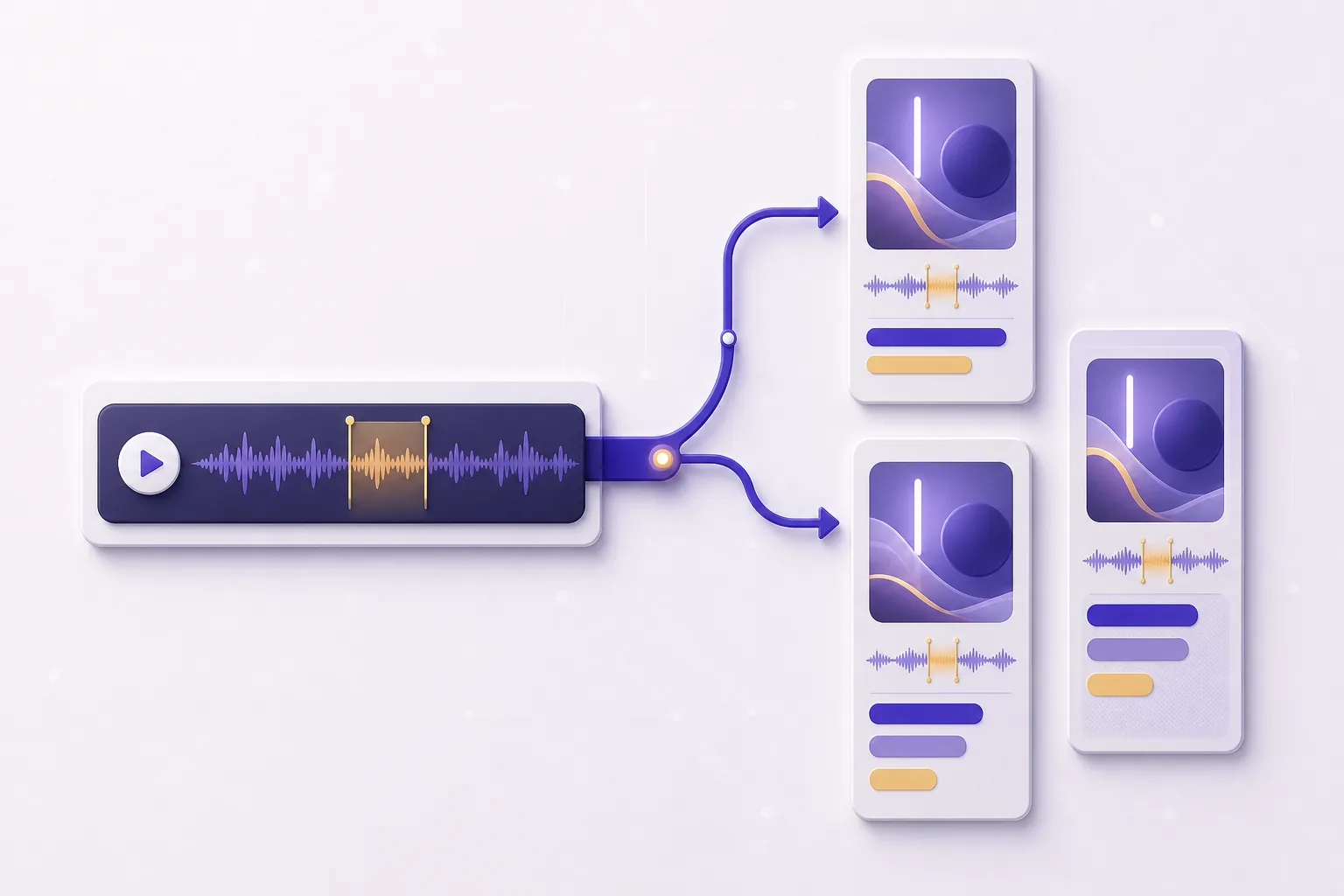
Show up on video feeds
Your audio now has a video presence. Audio-only episodes become captioned vertical video clips built for Shorts, Reels, and TikTok — no camera, no editor. Each clip meets new listeners in the scroll and points back to the full episode.
Podcast clips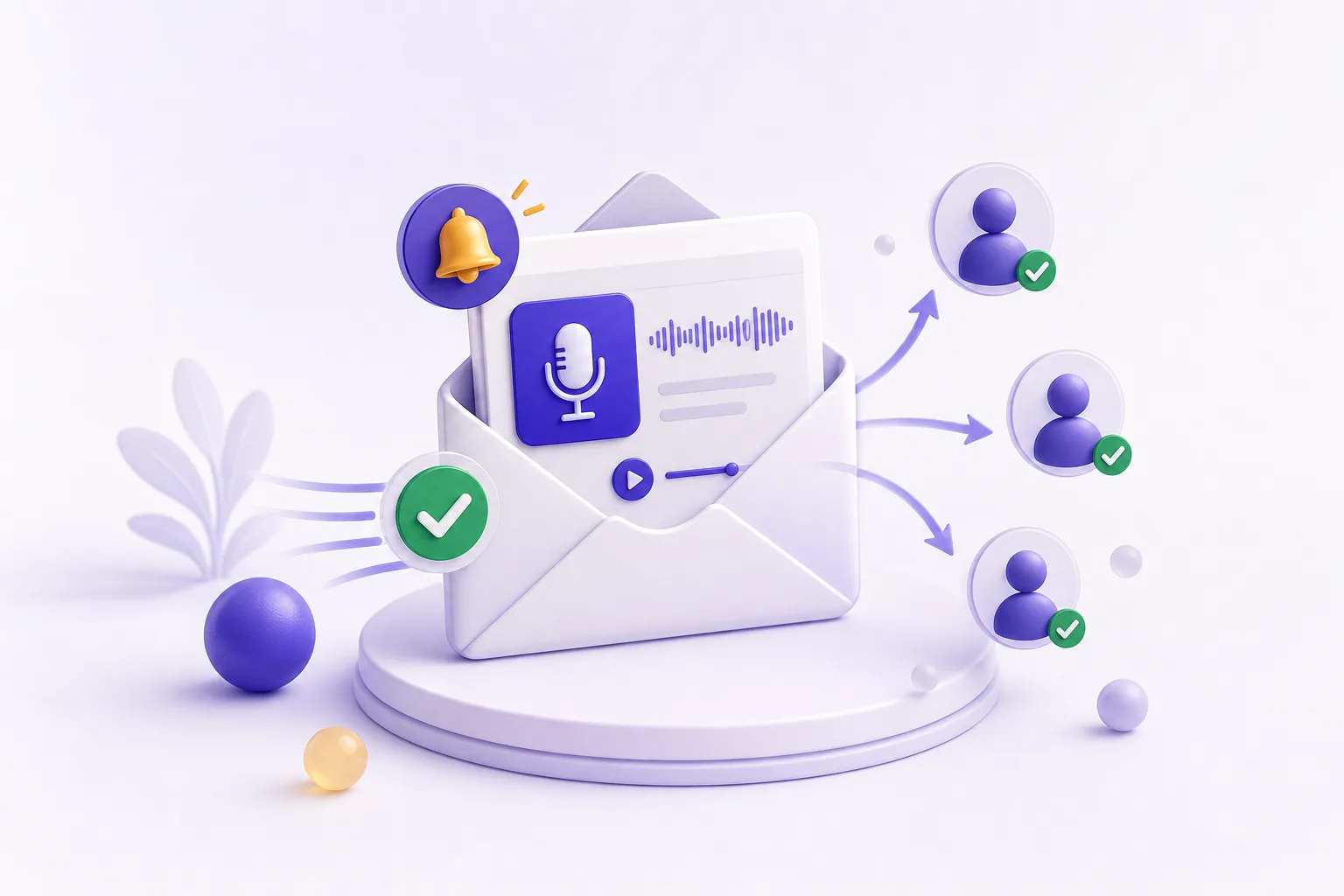
Own the relationship
An email list, built into your Library. Visitors subscribe in one click, and every new episode automatically emails them its brief — under your show's name, linking back to your domain. The list is yours, on every plan.
Podcast email listConnect from
One source of truth — your YouTube channel or your podcast feed.
Built to be cited by
Published where people and answer engines actually look.
Frequently asked questions
PodHood is discoverability infrastructure for podcasts — it makes every episode you’ve published another way for new listeners to find your show. It connects to your YouTube channel or podcast RSS feed, decomposes every episode into a structured Brief, and publishes your catalog as pages people find on Google, sources answer engines cite, and a live tool AI agents query over MCP — with every visitor one click from joining your email list.
Four ways, from one connection: every episode becomes a real, server-rendered page search engines can crawl; the whole catalog becomes searchable to the exact second for listeners; structured markup makes episodes citable by answer engines; and an MCP endpoint lets AI agents query the archive directly with timestamped citations.
Yes — YouTube is a first-class source, not an afterthought. Connect a YouTube channel and every video's conversation becomes searchable pages, AI citations, an email list, and mirrored comment insights. If your channel is talk content — interviews, education, commentary — everything on this page applies to it.
No. Your podcast host, feed, and channel stay exactly as they are — PodHood mirrors your published catalog and keeps itself in sync, checking for new episodes hourly. You keep curating at the source; the Library follows.
Yes. The Free tier includes 10 hours of processing over the lifetime of the account — enough to index a few episodes and see your library live before upgrading.
Two ways: answer engines like ChatGPT, Perplexity, and Google AI read and cite the structured episode pages, and agents like Claude connect to your archive as a live MCP tool — every answer linking back to the exact moment in your episode.
Yes — every Library has Subscribe built in, on every plan. Listeners follow your show in one click, and each new episode automatically emails them its brief: summary, chapters, and key moments deep-linked to the second, sent under your show's name with links on your own domain. The roster — names, email addresses, subscribe dates — is yours in the Studio, with no newsletter tool to wire up.
Yes — that's exactly what Clips is for: giving an audio-only show a presence on video platforms. Every indexed episode's key moments appear as ready-made clip candidates in the Studio; pick one, trim it on the transcript, choose a template and caption style, and render a captioned vertical video (1080×1920) built for YouTube Shorts, Instagram Reels, and TikTok — no camera or video editor involved. Clips is included on every plan for podcast (RSS) channels, and rendering never draws from your indexing credits. Clips for YouTube-sourced channels, cut from the actual footage, are next.
Access Analytics, on every plan: see who visits your library, which links and AI answers sent them (visits from ChatGPT, Claude, and other assistants wear an AI badge), and the questions AI agents ask your catalog over MCP — refreshed hourly, no tracking script to install.
Grow from episodes you’ve already made.
Connect a YouTube channel or podcast feed — your back catalog imports in minutes, and every episode becomes another way for new listeners to find you. Free to start — no credit card.
Get started